

Capabilities
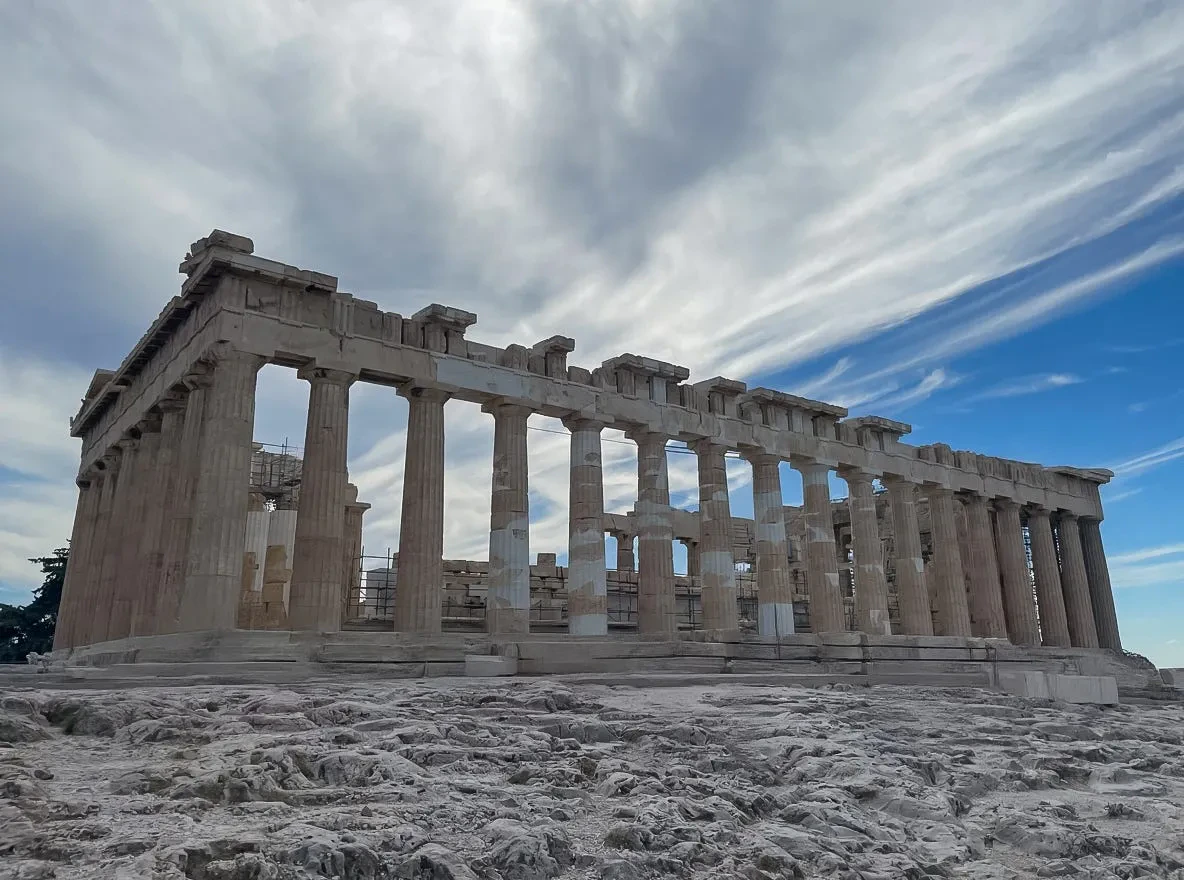
Natural lighting and composition
Produces well-balanced lighting effects, realistic shadows, and visually coherent compositions
Fine-tuning foundation
The most popular open-weight base for LoRA fine-tunes over 36,000 community adapters available on Hugging Face.
Flexible aspect ratios
Supports aspect ratios from 3:7 portrait to 7:3 landscape with resolutions up to 1 megapixel.
Specifications
How to use
1
Open the AI Image Generator
Go to the ImagineArt AI Image Generator.
2
Select the model
From the model dropdown, choose Flux Dev.
3
Write your prompt
Write a detailed prompt describing the subject, style, lighting, and composition. Flux Dev responds well to descriptive, structured prompts.
4
Set your aspect ratio
Choose the aspect ratio that fits your project. Flux Dev supports a wide range from portrait to landscape.
5
Generate
Click Generate and review your output. Iterate on the prompt to refine results.
Prompting tips
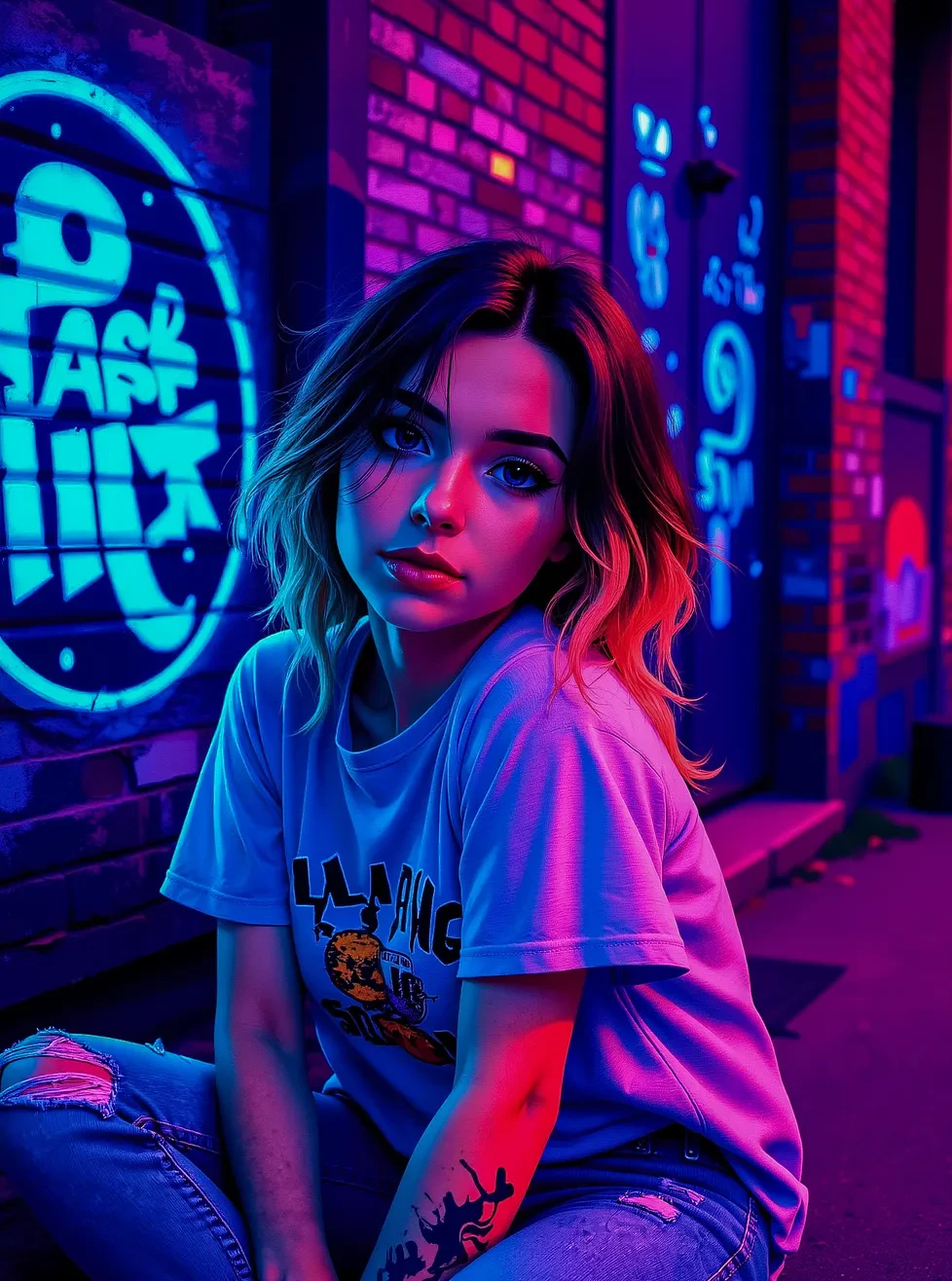
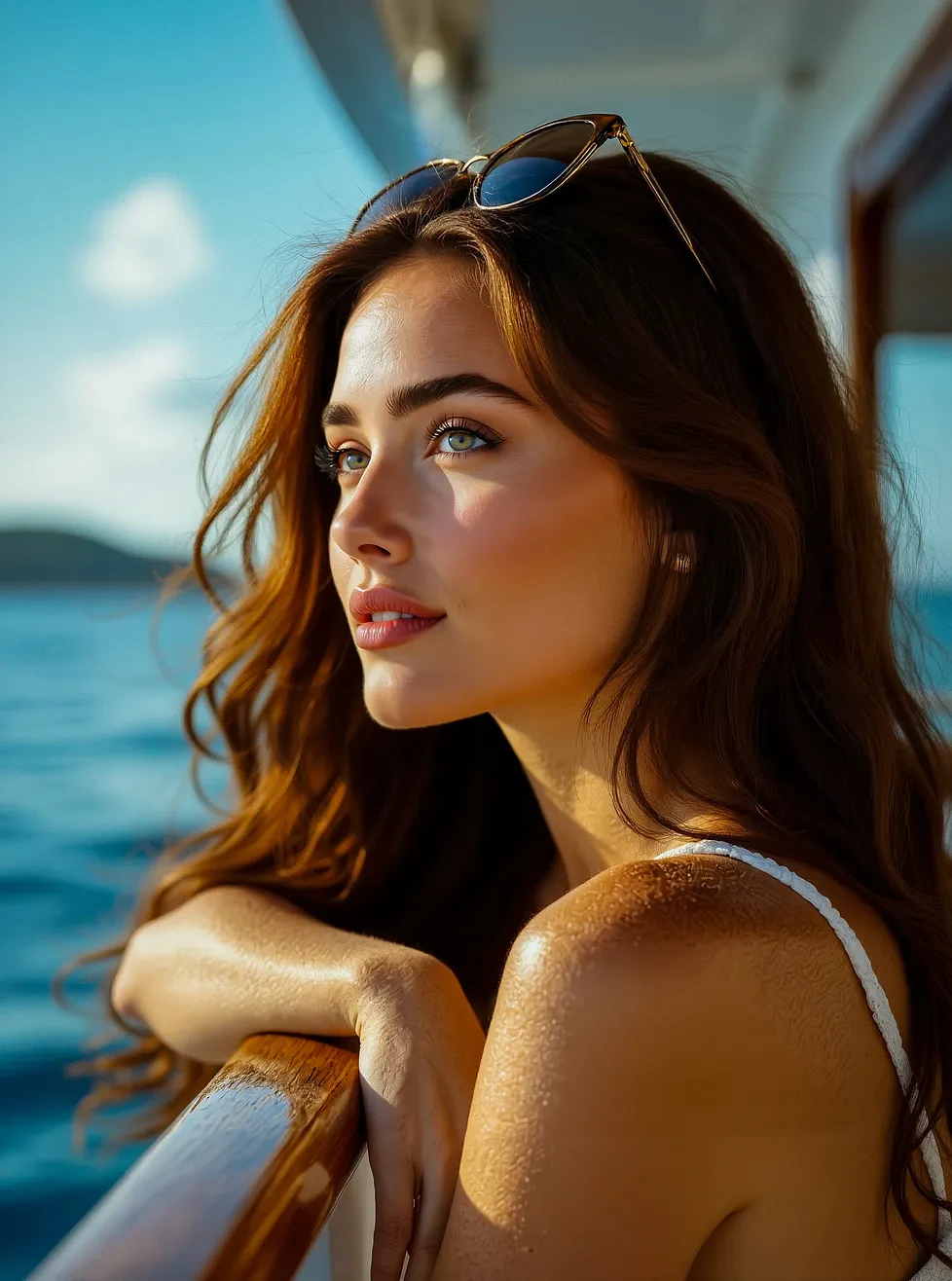
- Describe lighting explicitly — Terms like “golden hour”, “studio lighting”, “soft diffused light” significantly shape the output.
- Be specific about style — Mention the photographic or artistic style: “cinematic”, “editorial”, “National Geographic-style”, or art movements like “impressionist”, “concept art”.
- Use composition language — “close-up”, “wide shot”, “shallow depth of field”, “bokeh background” guide framing.
- Keep complex scenes structured — For multi-element compositions, describe the primary subject first, then supporting elements, then environment.
Example prompts
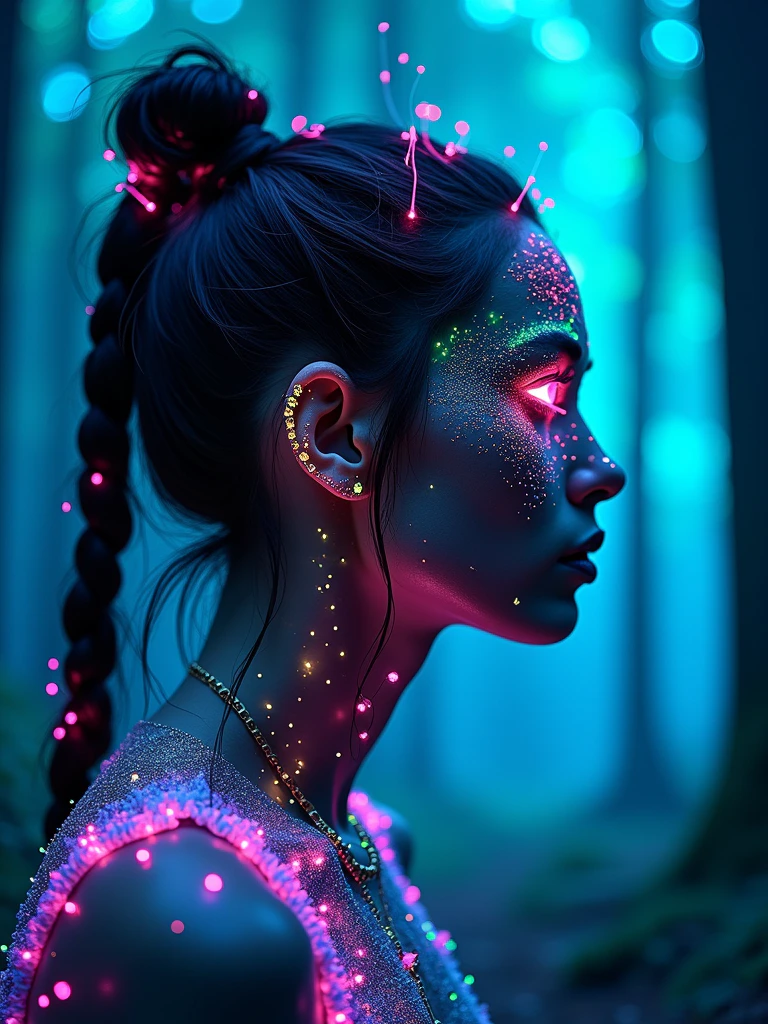
A bioluminescent forest at night, glowing mushrooms illuminating the forest floor, misty atmosphere, macro photography style, ethereal blue-green light.
Editorial portrait of a woman in 1970s fashion, warm film grain texture, golden hour lighting, cinematic composition, Kodak portra 400 aesthetic.
Compare models
Flux Dev’s open weights are hosted on Hugging Face under a non-commercial license. For commercial projects on ImagineArt, all usage is covered under ImagineArt’s platform licensing.