

Video Nodes
Available quick actions:
- Upscale — Increase video resolution for better quality
- Edit video — Trim, crop, or add effects
- Extend video — Add additional content or length
- Extract frame — Capture a single frame as an image
Image Nodes
Available quick actions:
- Upscale — Increase image resolution for improved quality
- Edit image — Apply color correction or saturation adjustments
- Animate — Create moving visuals from static images
- Crop — Remove unwanted areas and adjust composition
- Remove background — Isolate the subject by eliminating the backdrop
- AI resize — Smart resizing that maintains quality while adjusting dimensions.
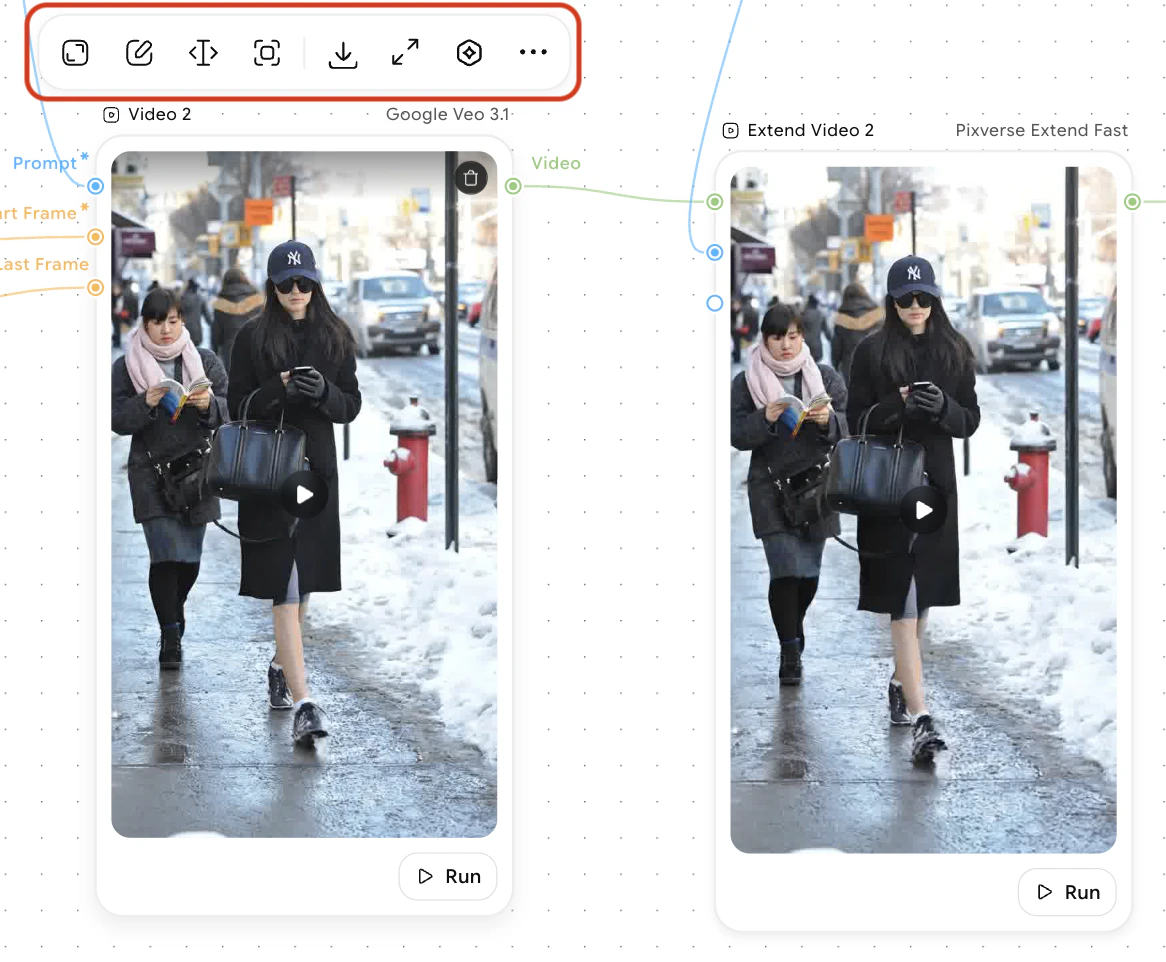
- Upscale — Enhance video resolution and clarity by increasing pixel density. Useful for improving the quality of lower-resolution source footage or preparing videos for higher-definition displays and platforms.
- Edit video — Trim unwanted sections, crop the frame to focus on specific areas, adjust playback speed, and apply visual effects such as filters, transitions, and color grading to refine your video.
- Extend video — Lengthen your video by adding additional content, inserting supplementary clips, or repeating sections. Helpful for creating longer-form content or filling specific duration requirements.
- Extract frame — Capture a single frame from your video and export it as a high-quality image. Ideal for creating thumbnails, promotional graphics, or still images from video content.
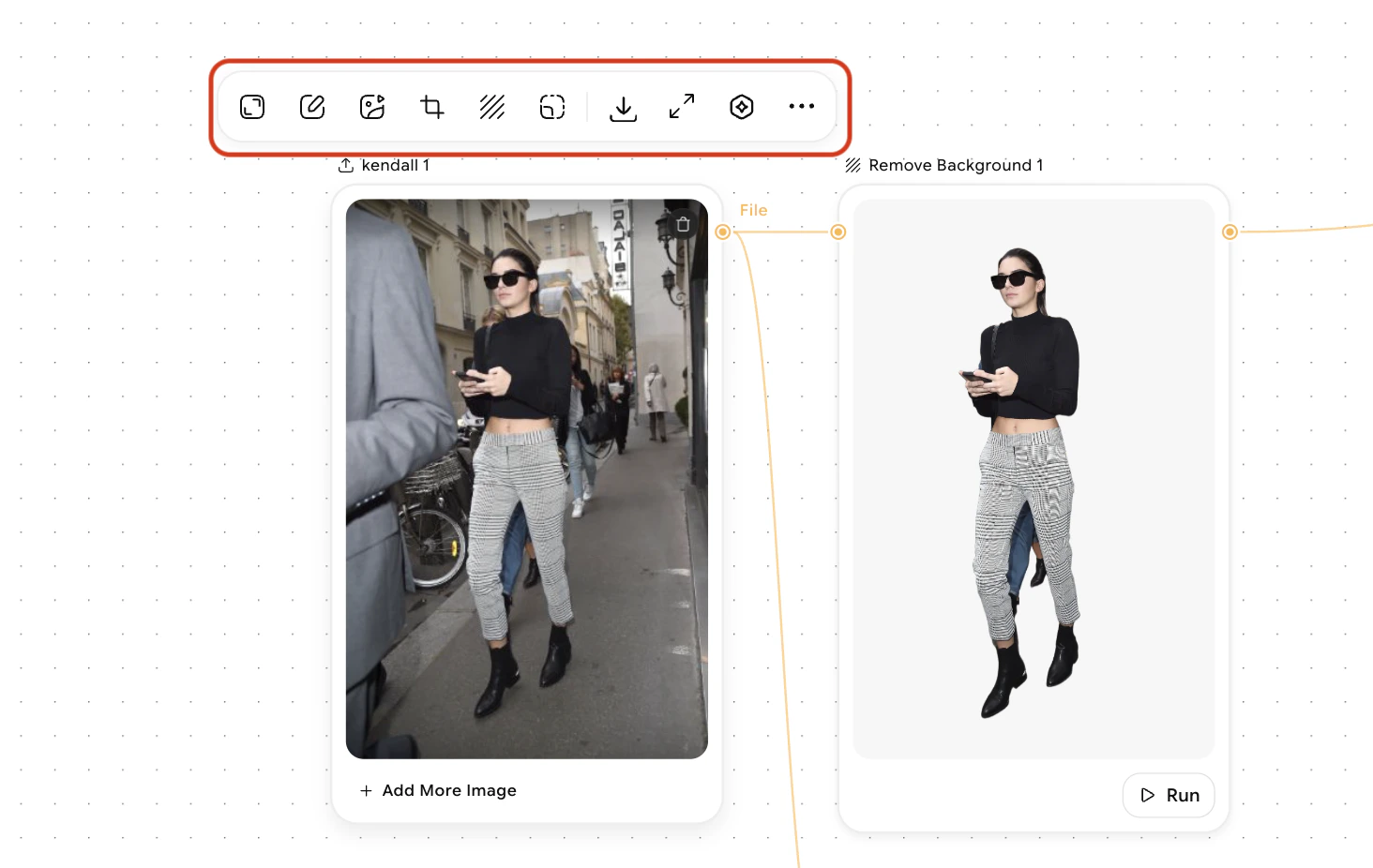
- Upscale — Enhance image resolution and clarity by increasing pixel density. Useful for improving the quality of lower-resolution source images or preparing images for high-definition displays, printing, or larger canvas sizes.
- Edit image — Apply color correction to adjust brightness, contrast, and white balance. Use saturation adjustments to enhance or mute colors, fine-tune hue, and make targeted tonal refinements to achieve your desired visual aesthetic.
- Animate — Transform static images into moving visuals by applying motion effects, transitions, or frame-by-frame animations. Create dynamic content suitable for social media, presentations, or video backgrounds.
- Crop — Remove unwanted areas from your image and adjust composition to improve framing. Reposition subjects, change aspect ratios, or focus on specific details by precisely defining the visible area.
- Remove background — Isolate your subject by automatically detecting and eliminating the backdrop. Useful for creating transparent backgrounds, compositing images, or preparing product shots and portraits for further editing.
- AI resize — Intelligently resize images while maintaining visual quality and detail. The AI-powered algorithm preserves important content and sharpness while adjusting dimensions to fit specific requirements or canvas sizes.